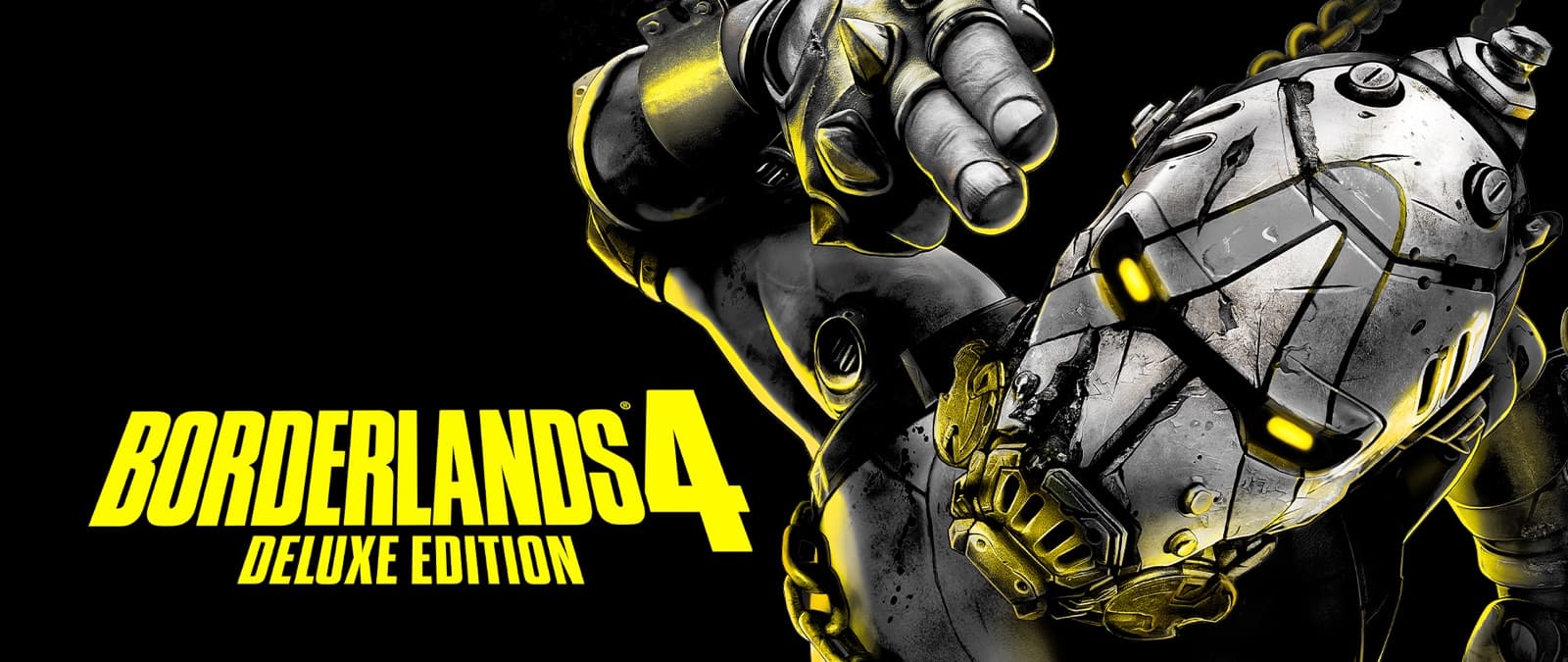
Pre-order Borderlands 4
Pre order Borderlands 4 overview: historical bonuses, edition picks, and where to buy now that the game is live.
Should you still pre-order?
Pre-ordering Borderlands 4 locks in launch access and any storefront bonuses tied to your edition. Most players compare Standard, Deluxe, and Super Deluxe first, then check the active pre-order bonus on the store they actually use.
Pre-order bonuses can differ by platform and region. Confirm the live offer on PlayStation, Xbox, Steam, Epic, or Nintendo before you pay. This page summarizes what to verify so you do not miss cosmetic or early-unlock rewards.
If you already own a lower edition, check whether your storefront supports a paid upgrade path into Deluxe or Super Deluxe. Upgrade pricing and bonus eligibility are store-specific and can change after launch windows close.
Pre-order checklist
| Check | Why it matters |
|---|---|
| Edition tier | Controls DLC and cosmetic stack |
| Storefront bonus | Platform exclusives and early unlocks |
| Cross-play plan | Confirm friends platforms before buying |
| Refund window | Know store policy if plans change |
Buy flow
- Pick Standard, Deluxe, or Super Deluxe on the Editions hub
- Open the official buy page or your platform store
- Confirm the listed pre-order bonus for your region
- After purchase, link SHiFT so any code or bonus cosmetics land correctly
FAQ
Is pre-ordering Borderlands 4 required?
No. Pre-order mainly reserves bonuses and avoids launch-day checkout friction. You can buy at release if you do not care about time-limited extras.
Do pre-order bonuses work on every platform?
Not always. Bonuses are storefront-specific. Always read the offer text on the store you purchase from.
Can I upgrade after pre-ordering Standard?
Often yes through the same storefront, but pricing and whether the original bonus carries over depends on the platform.